
Growing Your Circle: Connections & Lists
Connecting with people you trust is at the core of Rippl. Learn how to invite your inner circle and manage your growing network of followers and brands.
1
Inviting Your Inner Circle
Your private My Space feed is designed exclusively for friends and family you know personally. Here's how to bring them into your world:
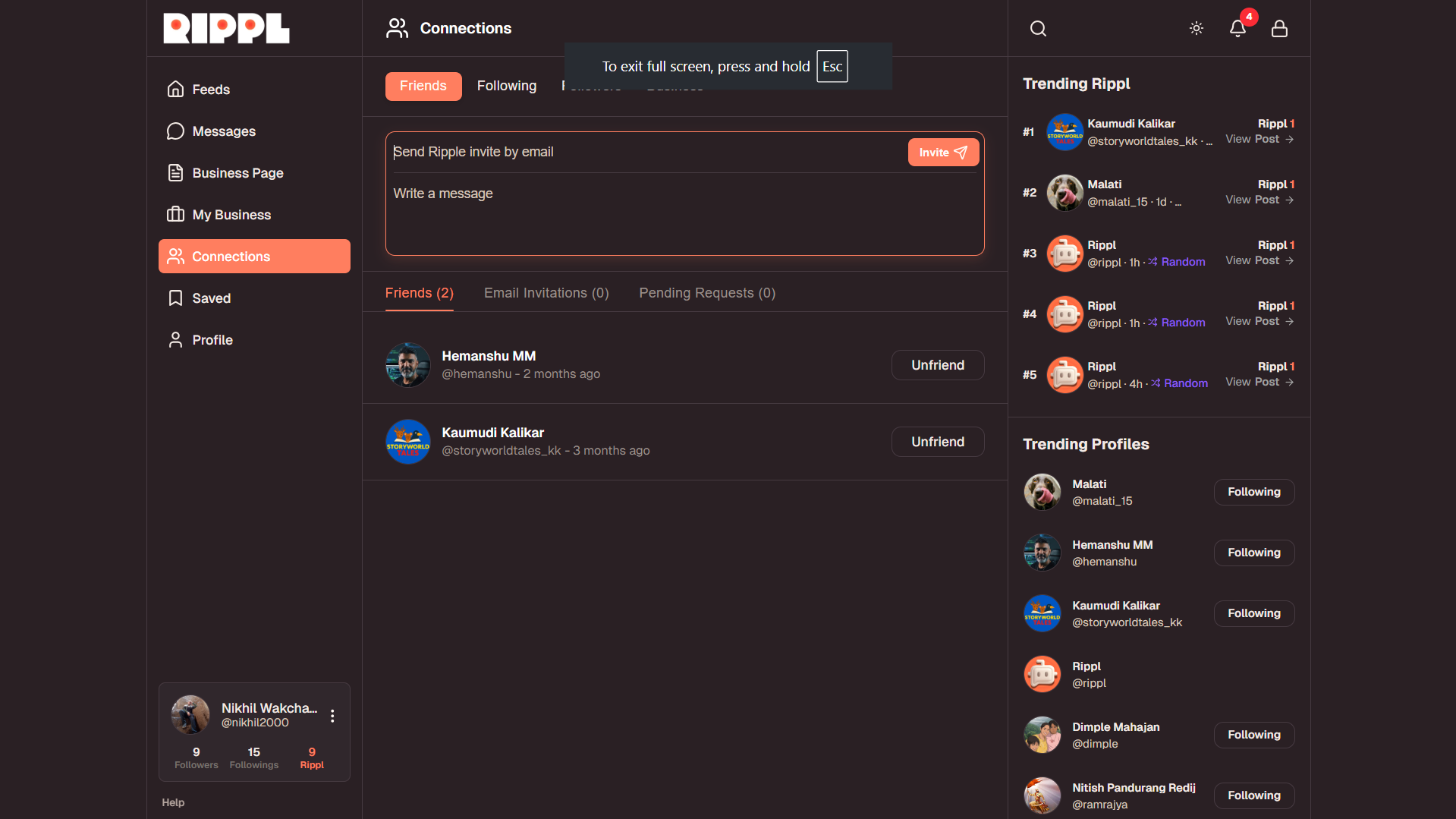
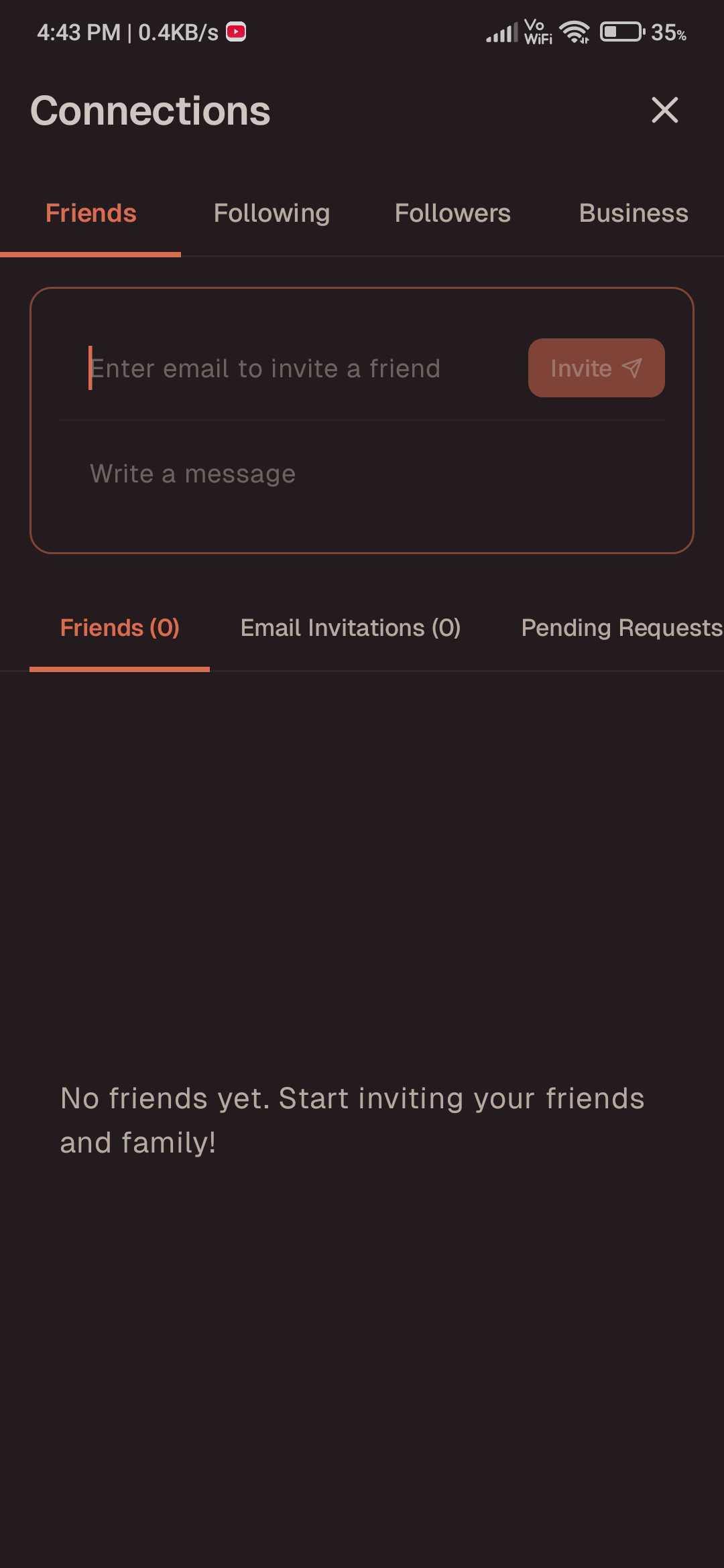
- •Invite to Join: If your loved ones are not yet on Rippl, you can send them a personalized invitation to join the community.
- •Email Invitations: For those already on the platform, simply send an email invitation to connect. They will receive your request directly in their inbox to establish a secure connection.
- •Private Feed: Once connected, their posts will appear instantly in your My Space feed, keeping your family updates separate and secure.
2
Managing Your Network
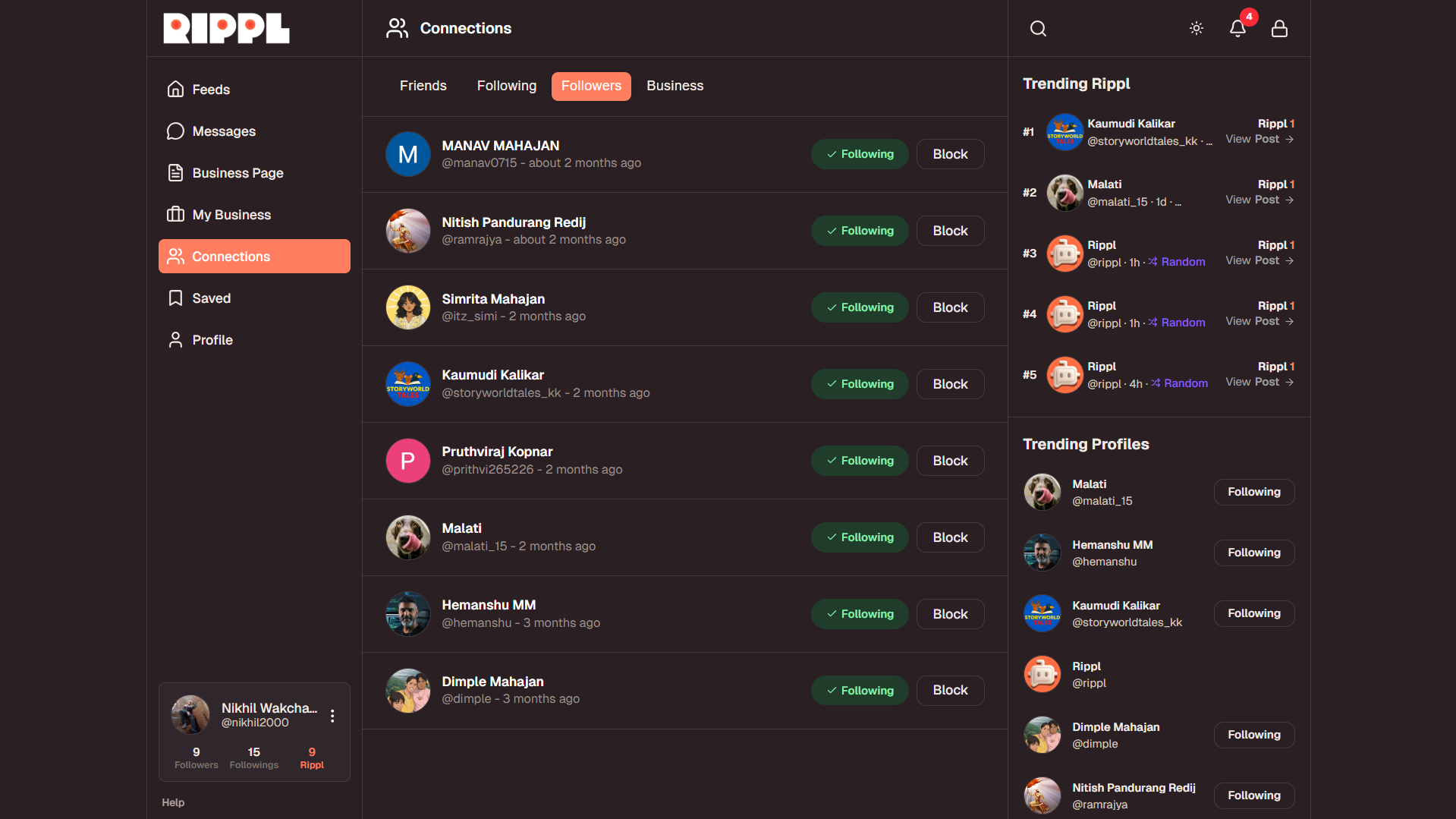
Keep track of your community growth by viewing your personalized network lists. From your profile, you can access detailed summaries of:
- •Followers: A list of all users who have chosen to follow your updates.
- •Following: Every person you are currently keeping up with on Rippl.
- •Followed Businesses: A dedicated list for managing the local businesses and brands you follow for updates.

Need more help?
If you have trouble connecting with a specific friend or need help managing your follower lists, please reach out at [email protected].